Indoor Security Camera for Baby Monitor, Home & Pets, 2.4Ghz Wifi with Motion De


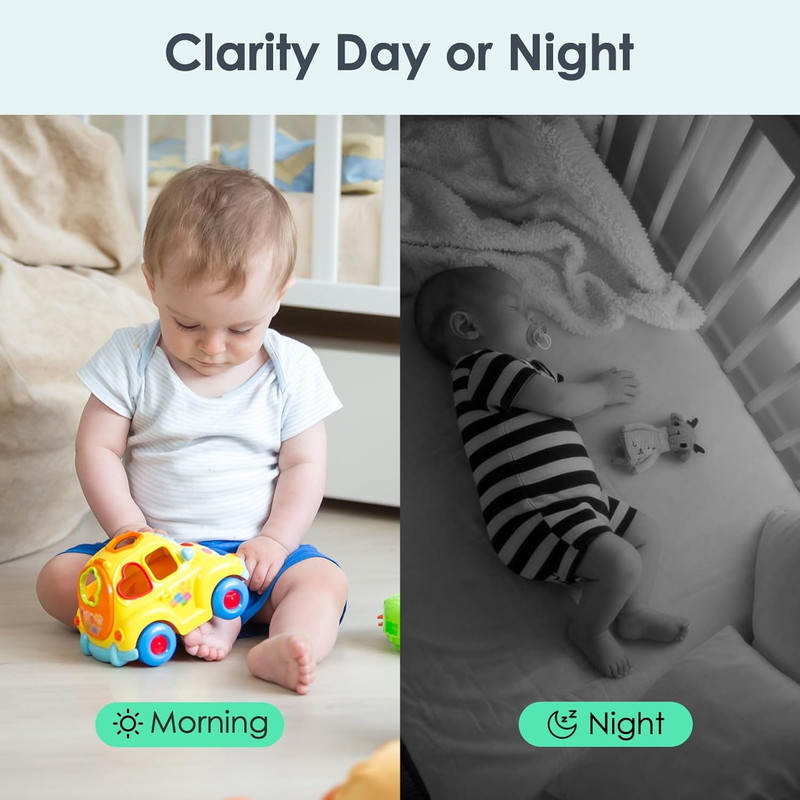

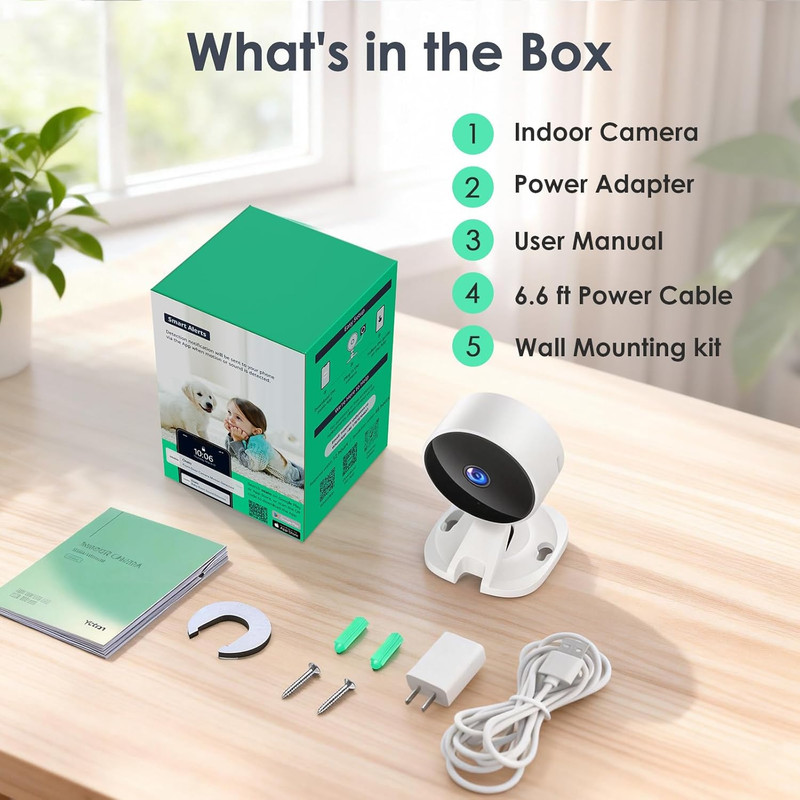

Indoor Security Camera for Baby Monitor, Home & Pets, 2.4Ghz Wifi with Motion De
USD 60.99 USD
Check if the indicator light flashes red twice per second. How to turn off Sound Detection?. Turn on the phone's Wi-Fi &BT, then connect to a 2.4GHz Wi-Fi. Enter your Osaio user account and password→ Tap "Link Now"→Tap "Authorize".
Specifications
| Indoor Outdoor Usage | Indoor |
| Compatible Devices | Smartphone |
| Mount Type | Desktop, Ceiling, Wall |
| Color | White & Black |
| Form Factor | Dome |
| Installation Type | Desktop, Ceiling, Wall |
| Shape | Dome |
| Alert Type | Audio and Motion |
| Waterproof Rating | IP66 |
| Control Method | App |
| Connectivity Technology | Wired |
| Connectivity Protocol | Wi-Fi |
| Wireless Technology | Bluetooth, Wi-Fi |
| Video Capture Resolution | 1080p |
| Frame Rate | 15 frames per second |
| Night Vision Range | 33 Feet |
| Night Vision | Yes |
| Item Dimensions | 2.6 x 2.8 x 3.5 inches |
| Item Weight | 1.5 Pounds |
| Unit Count | 1.0 Count |
| Model Name | WS01 |
| Model Number | WS01 |
| Manufacturer Warranty Description | 2 YEAR |
| Power Source | Corded Electric |
| Video Capture Format | AVI |
| Viewing Angle | 88 Degrees |
| Optical Zoom | 4 x |
| Focus Type | Auto Focus |
| Zoom Type | Digital Zoom |
| Zoom Ratio | 4:1 |
| Flash Memory Type | Micro SD |
| Flash Memory Supported Size Maximum | 128 GB |
| UPC | 313115433473 |
Check if the indicator light flashes red twice per second. How to turn off Sound Detection?. Turn on the phone’s Wi-Fi &BT, then connect to a 2.4GHz Wi-Fi. Enter your Osaio user account and password→ Tap “Link Now”→Tap “Authorize”.